Why migrations deserve a review-first workflow#
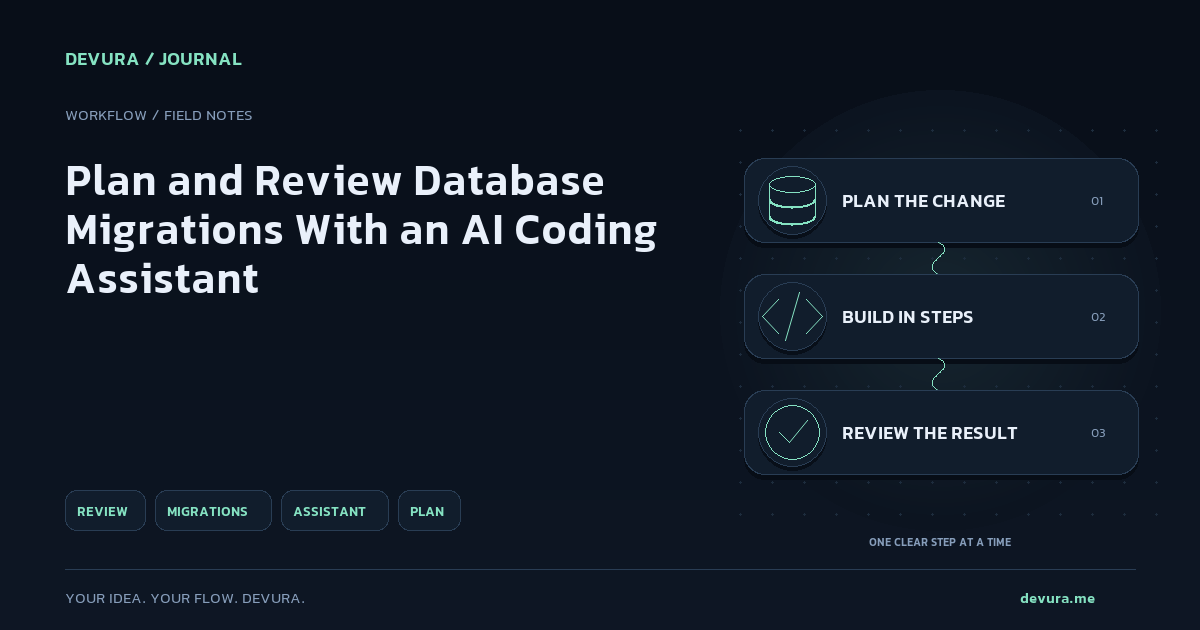
Migrations exist so a team can define and share a schema definition instead of asking each teammate to add columns by hand after pulling changes. That makes them a form of version control for the database, and like any version control change, they benefit from a second pass before they reach a shared environment. An AI coding assistant can speed up the drafting step, but the value comes from how you frame the task and how carefully you inspect the result.
The risk is asymmetric. Adding a column is often cheap, while dropping a column discards whatever data it held, and table constraints involving that column are dropped too. In PostgreSQL, dropping a column that another table references through a foreign key will not silently remove that constraint; you must authorize cascading behavior explicitly with CASCADE. A migration that looks tidy in a diff can therefore have consequences that only appear when it runs. Treat the assistant as a drafting partner and keep the decision about what executes with a human who understands the schema.
- Ask for the intent first, then the code: what changes, why, and what should happen on rollback.
- Keep destructive operations out of the first draft so they can be reviewed separately.
- Never let an assistant run migrations against a shared or production database on your behalf.
Give the assistant the right context#
A useful draft starts from facts, not guesses. In a Laravel project, migrations live in the database/migrations directory and each filename carries a timestamp that determines execution order. The make:migration Artisan command generates a new file, and Laravel will try to infer the table name from the migration name, pre-filling the file when it can. Sharing the existing migration names and the relevant model or table definition with your assistant gives it something concrete to work from.
Describe the target database engine as well, because syntax and behavior differ. Laravel's Schema facade provides database-agnostic table creation and modification across supported systems, but the underlying engine still matters for details such as default values and constraint checks. If a migration targets a non-default connection, the migration class can set a connection property. Mentioning that up front prevents a draft that quietly assumes the wrong database.
- Paste the current migration list and the table definition you are changing.
- State the database engine and connection the migration will run against.
- Say whether the change must be reversible and what rollback should restore.
Drafting the up and down methods#
A Laravel migration class contains two methods. The up method adds tables, columns or indexes, and the down method should reverse those operations. Ask the assistant to produce both and to keep them symmetrical. A create in up should correspond to a drop in down, and a column addition should correspond to the matching removal. Symmetry is not decoration; it is what makes a rollback meaningful when a deployment needs to be undone.
For column changes, the assistant should also explain the ordering. In PostgreSQL, adding a column with a constant default value does not require each row of the table to be updated when the ALTER TABLE statement is executed, which keeps the operation fast on large tables. A volatile default such as clock_timestamp() behaves differently and forces each row to be updated. When a new column needs mostly non-default values, it may be preferable to add it without a default, populate values with an update, and then set the default. Ask the assistant to state which case applies rather than assuming the fast path.
- Require both up and down, and check that down truly reverses up.
- Ask whether the default value is constant or volatile and what that implies.
- For type changes, ask about implicit casts and whether a USING clause is needed.
<?php

use Illuminate\Database\Migrations\Migration;
use Illuminate\Database\Schema\Blueprint;
use Illuminate\Support\Facades\Schema;

return new class extends Migration
{
    public function up(): void
    {
        Schema::create('flights', function (Blueprint $table) {
            $table->id();
            $table->string('name');
            $table->string('airline');
            $table->timestamps();
        });
    }

    public function down(): void
    {
        Schema::drop('flights');
    }
};Worked example: adding a nullable column safely#
Suppose a flights table needs a new optional description column. A reasonable first draft adds a nullable text column in up and drops it in down. The assistant should be asked to justify nullability: if existing rows cannot supply a value, a not-null constraint would fail when checked immediately, because PostgreSQL validates the constraint against existing data before it can be added. Nullable is the safer starting point when the data is not yet known.
The review then moves to the rollback path. Dropping the column in down discards its data, which is acceptable for a column that was just introduced but should be called out explicitly in the migration notes. If the column were referenced by a foreign key elsewhere, the drop would need cascading authorization, and that decision should be deliberate rather than copied from a template. Finally, confirm the migration name and timestamp place it after the migrations it depends on, since order is determined by filename.
- Confirm the column is nullable or that a backfill exists before adding a not-null constraint.
- Document that down discards the new column's data.
- Check the timestamp ordering against migrations that create referenced tables.
Inspect the SQL before it runs#
Laravel can show the statements a migration would execute without running them. The migrate command accepts a pretend flag, and the rollback command accepts the same flag, so you can review both directions. This is the point where an assistant is most useful as a reviewer: paste the generated statements back and ask it to point out destructive operations, missing constraints, or ordering problems. Keep the final judgment with the person who owns the schema.
For larger projects, migration squashing can reduce a bloated migrations directory. The schema:dump command writes a schema file, and with the prune option it also removes existing migrations. On a fresh migrate, Laravel executes the schema file first and then any remaining migrations. If tests use a different connection, a schema file should be dumped for that connection too, and the schema file should be committed so new developers can build the initial structure quickly. Squashing is available for MariaDB, MySQL, PostgreSQL and SQLite and uses the database command-line client.
- Use the pretend flag on both migrate and rollback to review statements.
- Ask the assistant to flag destructive statements and missing constraints in the output.
- Commit the schema file and dump one per connection used by tests.
php artisan migrate --pretend
php artisan migrate:rollback --pretendVerification checklist before merging#
Before a migration is merged, walk through a short checklist with the assistant acting as a second reader rather than an authority. The goal is to catch the failures that are cheap to fix in review and expensive to fix after execution. Where the evidence is limited, for example on engine-specific locking behavior, mark the item as needing manual confirmation instead of accepting a confident-sounding answer.
Deployment mechanics also belong on the checklist. If migrations run as part of deployment across multiple servers, the isolated option acquires an atomic lock through the cache driver so that only one server migrates at a time; other attempts exit successfully without executing. That requires a cache driver such as redis, memcached, dynamodb, database or file, and all servers must communicate with the same central cache server, so a per-server driver like array will not coordinate them. In production, destructive operations prompt for confirmation, and the --force flag bypasses that prompt, so its use should be a conscious decision. Rolling back the latest batch is done with migrate:rollback, and a limited number of migrations can be rolled back with the step option.
- up and down are symmetrical and both reviewed.
- Generated SQL inspected with the pretend flag in both directions.
- Destructive operations identified and approved explicitly.
- Migration ordering confirmed by timestamp and dependencies.
- Deployment locking and production confirmation behavior understood.
- Rollback plan tested on a copy of the data, not on production.
Sources & methodology
These references were selected by the editorial team. Verify examples against current documentation and your project before using them.
- Database: Migrations | Laravel 13.x - The clean stack for Artisans and agentsAdded: 2026-11-22
- PostgreSQL: Documentation: 19: 5.8. Modifying TablesAdded: 2026-11-22
Turn the idea into reviewable work.
Bring your models, editor, terminal and browser together in Devura.
Get Devura