Understanding Error Types
When coding in JavaScript, you might encounter three main types of errors: syntax errors, logic errors, and runtime errors. Syntax errors are due to mistakes in the code syntax, preventing the program from running. Logic errors occur when the syntax is correct, but the logic is flawed, leading to incorrect results. Runtime errors happen when the code runs but encounters an issue during execution.
- Syntax errors: Spelling mistakes in code that prevent the program from running.
- Logic errors: Correct syntax but incorrect logic, resulting in wrong outputs.
- Runtime errors: Issues that occur during the execution of the code.
Using the Browser Console
The browser console is a powerful tool for debugging JavaScript. It provides error messages that can help you identify and fix issues in your code. To open the console, right-click on the webpage, select 'Inspect', and navigate to the 'Console' tab. The console logs various types of messages, including errors, warnings, and informational messages, which can be invaluable for troubleshooting.
- Open the console to view error messages.
- Use the console to test JavaScript snippets and debug code.
- Utilize console.log() to print variable values and track the flow of your program.
Fixing Syntax Errors
Syntax errors are often caused by typos or incorrect use of JavaScript syntax. For example, a common mistake is misspelling method names. Always ensure that your method names are correctly spelled and follow JavaScript's case sensitivity rules. Syntax errors are usually straightforward to fix once you identify the typo or incorrect syntax.
- Check for typos in method names.
- Ensure proper use of JavaScript syntax and case sensitivity.
- Use the browser console to locate syntax errors by examining error messages.
guessSubmit.addeventListener("click", checkGuess); // Incorrect
jsguessSubmit.addEventListener("click", checkGuess); // CorrectHandling Runtime Errors
Runtime errors occur when the code runs but encounters an issue during execution. For example, accessing a property of a null object will cause a runtime error. To fix this, ensure that the object is properly initialized before accessing its properties. Using console.log() to debug and inspect variable values can help you pinpoint the source of the issue.
- Check if objects are properly initialized before accessing their properties.
- Use console.log() to debug and inspect variable values.
- Look for null or undefined values that might be causing runtime errors.
jslowOrHi.textContent = "Last guess was too high!"; // Error if lowOrHi is null
console.log(lowOrHi); // Check if lowOrHi is nullIdentifying Logic Errors
Logic errors occur when the code runs without syntax errors but produces incorrect results. For example, if a random number generator always returns the same number, there is likely a logic error. Use console.log() to trace the flow of your program and identify where the logic goes wrong. Logic errors can be subtle and may require careful examination of the code to resolve.
- Use console.log() to trace the flow of your program.
- Check the logic of your code to ensure it produces the expected results.
- Review loops, conditionals, and calculations for potential logic flaws.
let randomNumber = Math.floor(Math.random()) + 1; // Incorrect, always returns 1
let randomNumber = Math.floor(Math.random() * 100) + 1; // Correct, returns a random number between 1 and 100Verification Checklist
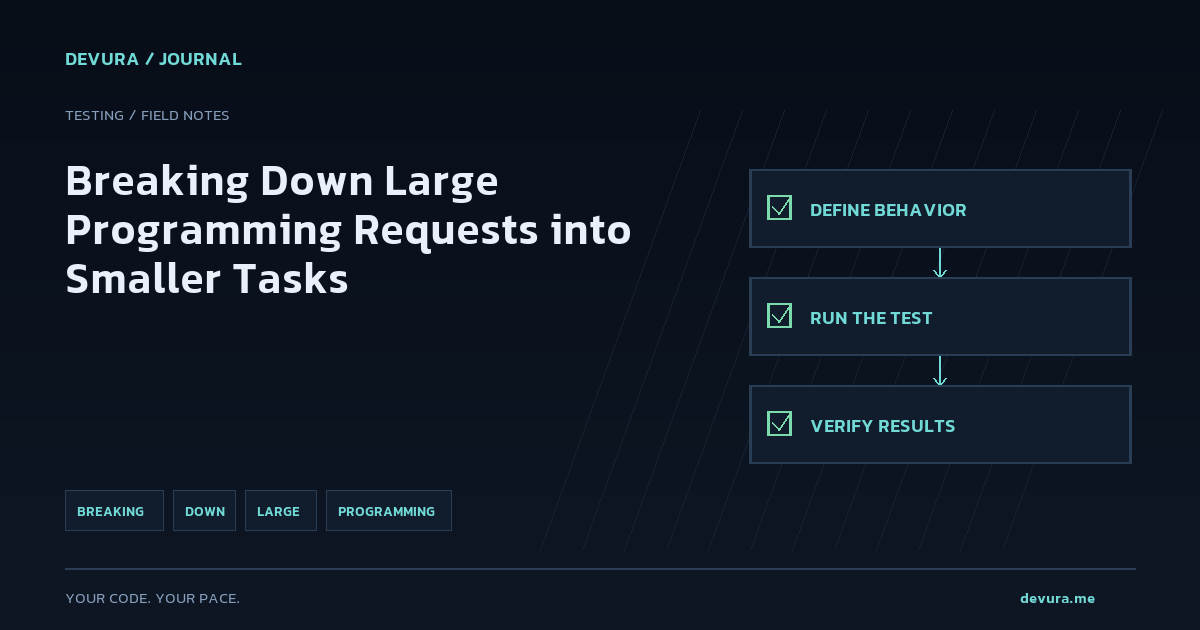
After fixing the errors, verify that your code works as expected. Run the game and ensure that all functionalities are working correctly. Double-check the console for any remaining errors and confirm that the game behaves as intended.
- Test the game to ensure all functionalities work.
- Check the console for any remaining errors.
- Verify that the game behaves as expected.
- Repeat the testing process to ensure consistency and reliability.
Sources & methodology
These references were selected by the editorial team. Verify examples against current documentation and your project before using them.
- What went wrong? Troubleshooting JavaScript - Learn web development | MDNAdded: 2026-11-21
- unittest — Unit testing framework — Python 3.15.2 documentationAdded: 2026-11-21
Turn the idea into reviewable work.
Bring your models, editor, terminal and browser together in Devura.
Get Devura