Introduction to Devura and Custom API Models
Devura is an AI coding workspace that integrates your code editor, terminal, browser, and models into one cohesive environment. It supports both Devura's built-in models and allows you to bring your own API models. This flexibility enables you to tailor your development workflow to specific needs.
- Devura combines various tools in one workspace.
- Supports both Devura models and custom API models.
- Tailor your development workflow with custom models.
Setting Up Your Custom API Model in Devura
To integrate your custom API model, you need to configure the endpoint and credentials within the Devura desktop application. This section guides you through the process of setting up your API model.
- Access the Devura desktop application.
- Navigate to the settings or models section.
- Enter your API endpoint and credentials.
const apiUrl = 'https://your-custom-api.com';
const apiKey = 'your-api-key';Managing API Credentials Securely
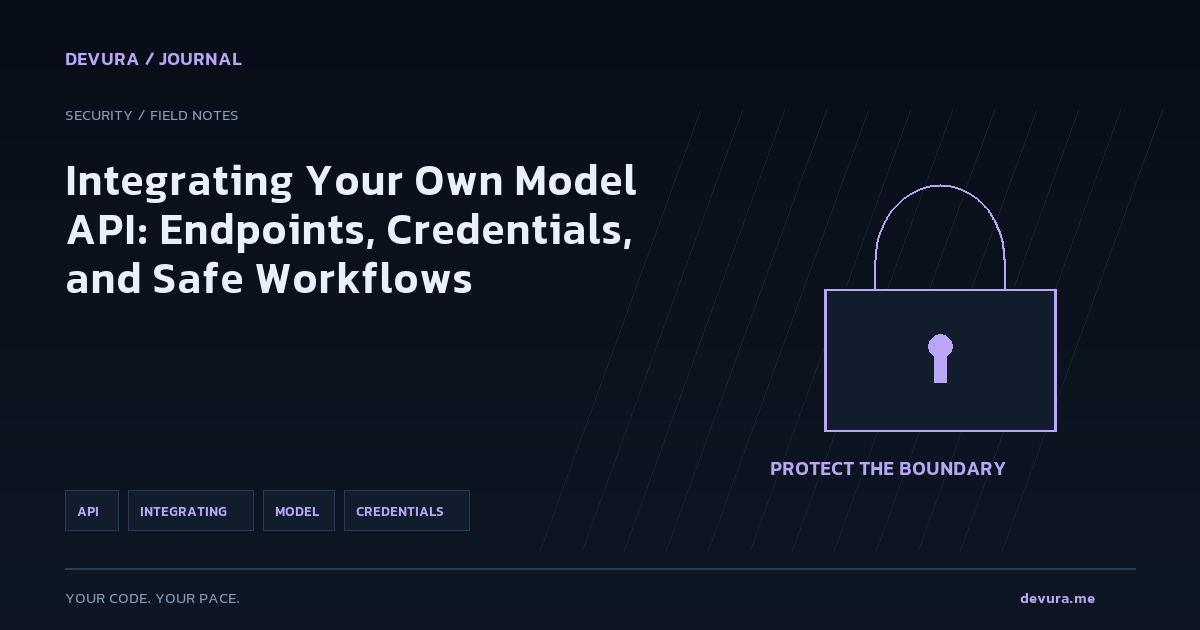
Handling API credentials securely is crucial to prevent unauthorized access. This section provides best practices for managing your API credentials based on the OWASP Secrets Management Cheat Sheet.
- Avoid hardcoding credentials in your source code.
- Use environment variables or a secrets management tool.
- Implement least privilege access controls.
Automating Secret Rotation
Automating the rotation of secrets reduces the risk of compromised credentials. This section discusses architectural patterns for automating secret rotation, particularly in cloud-native environments.
- Use sidecar containers in Kubernetes to manage secrets.
- Employ serverless functions for automated rotation in cloud environments.
- Configure short lease durations and revoke credentials when no longer needed.
apiVersion: v1
kind: Pod
metadata:
  name: my-app
spec:
  serviceAccountName: my-app-sa
  containers:
  - name: my-app-container
    image: my-app-image
    volumeMounts:
    - name: secrets-volume
      mountPath: "/mnt/secrets"
      readOnly: true
  - name: vault-agent-sidecar
    image: vault:latest
    args: ["agent", "-config=/etc/vault/vault-agent-config.hcl"]
    volumeMounts:
    - name: secrets-volume
      mountPath: "/mnt/secrets"
volumes:
- name: secrets-volume
  emptyDir:
medium: "Memory"Example: Integrating a Custom Music Player API
Let's walk through an example of integrating a custom music player API into Devura. We'll set up the API endpoint, manage credentials securely, and implement secret rotation using a serverless function.
- Define the API endpoint and credentials in Devura.
- Store credentials in an environment variable.
- Set up a serverless function to rotate API keys.
const express = require('express');
const app = express();
const axios = require('axios');

const apiUrl = process.env.MUSIC_API_URL;
const apiKey = process.env.MUSIC_API_KEY;

app.get('/play', async (req, res) => {
  try {
    const response = await axios.get(`${apiUrl}/play`, { headers: { 'Authorization': `Bearer ${apiKey}` } });
    res.json(response.data);
  } catch (error) {
    res.status(500).send(error.message);
  }
});

app.listen(3000, () => {
  console.log('Music player API running on port 3000');
});Verification Checklist
Ensure your custom API model is correctly integrated and that your credentials are managed securely. Use this checklist to verify your setup.
- API endpoint is correctly configured in Devura.
- Credentials are stored securely using environment variables or a secrets management tool.
- Secret rotation is automated and configured with short lease durations.
- Serverless function for rotation is correctly set up and tested.
Sources & methodology
These references were selected by the editorial team. Verify examples against current documentation and your project before using them.
- Devura - Developers Aura | AI Coding WorkspaceAdded: 2026-11-21
- Secrets Management - OWASP Cheat Sheet SeriesAdded: 2026-11-21
Turn the idea into reviewable work.
Bring your models, editor, terminal and browser together in Devura.
Get Devura