Understanding Copilot's Capabilities
GitHub Copilot is an AI coding assistant designed to enhance your coding process by writing code faster and with less effort. It excels in tasks like writing tests, debugging, and generating regular expressions. However, it is not meant to replace your expertise or handle non-coding tasks. Understanding its strengths and limitations is key to leveraging Copilot effectively.
- Copilot is excellent for writing tests and repetitive code.
- It aids in debugging and correcting syntax errors.
- Copilot can explain and comment on code.
- It generates regular expressions efficiently.
- Avoid using Copilot for non-coding tasks.
References: [1]
Choosing the Right Tool for the Job
Copilot offers different tools—inline suggestions and Copilot Chat—each suited for specific scenarios. Inline suggestions are ideal for completing code snippets and generating repetitive code, while Copilot Chat is better for answering questions and generating larger code sections. Selecting the right tool can significantly enhance your productivity.
- Use inline suggestions for code snippets and repetitive code.
- Employ Copilot Chat for answering questions and generating large code sections.
- Utilize Copilot Chat's keywords and skills for specific tasks.
References: [1]
Creating Thoughtful Prompts
Effective prompt engineering is crucial for getting accurate and useful responses from Copilot. Break down complex tasks into smaller parts, be specific about your requirements, and provide examples to guide Copilot. Good prompts lead to better code generation.
- Break down complex tasks into smaller parts.
- Be specific about your requirements.
- Provide examples of inputs, outputs, and implementations.
- Follow good coding practices.
References: [1]
Checking Copilot's Work
Always validate the code suggested by Copilot. Understand the code before implementing it, review it for functionality, security, readability, and maintainability, and use automated tools to check for errors. Ensuring the code meets your project's standards is essential.
- Understand the suggested code thoroughly.
- Review the code for functionality, security, readability, and maintainability.
- Use automated tools like linting and code scanning.
- Consider checking for similarities to existing public code.
References: [1]
Guiding Copilot Towards Helpful Outputs
You can influence Copilot's responses by providing context, rewriting prompts, and giving feedback. Open relevant files in your IDE, use keywords in Copilot Chat, and accept or reject suggestions to improve future outputs. Effective communication with Copilot enhances the quality of the generated code.
- Provide relevant context by opening necessary files.
- Use keywords to focus Copilot on specific tasks.
- Rewrite prompts for better responses.
- Accept or reject suggestions to improve future outputs.
References: [1]
Using Git Diff for Code Validation
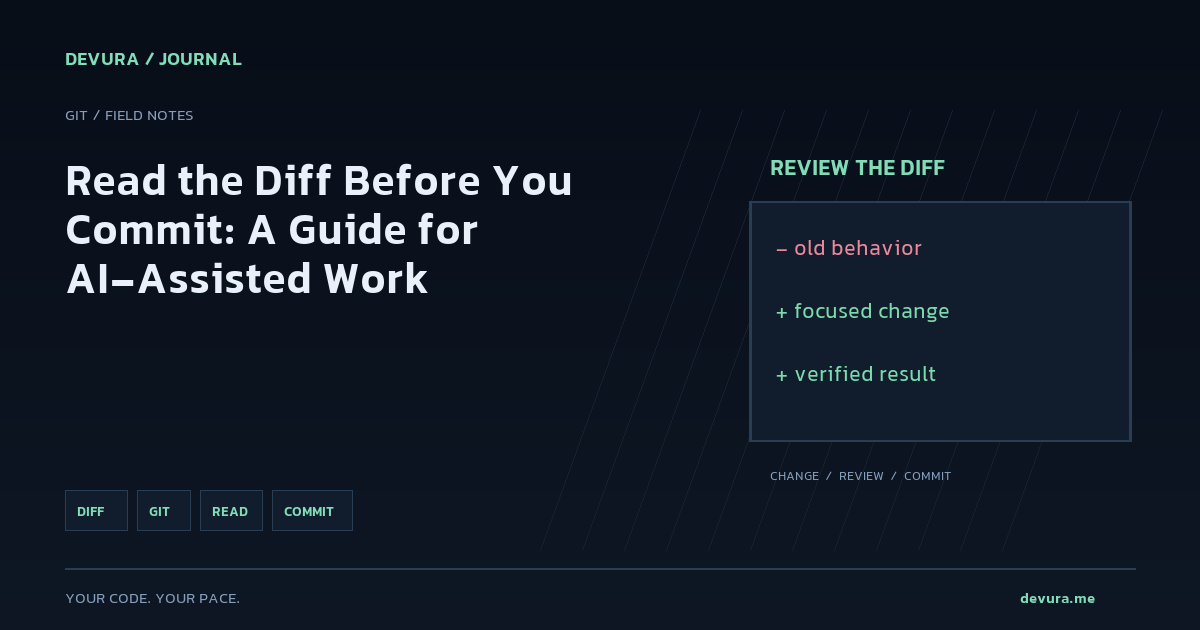
Git diff is a powerful tool for comparing changes in your code. You can use it to compare the working tree with the index, changes between commits, or differences between files on disk. This helps in verifying the accuracy of AI-generated code. Understanding how to use Git diff effectively is crucial for thorough code validation.
- Compare the working tree with the index using `git diff`.
- Check changes between commits with `git diff <commit> <commit>`.
- Compare files on disk using `git diff --no-index <path> <path>`.
- Use options like `-p` for patch output and `-U<n>` for context lines.
git diff --no-index file1.txt file2.txtReferences: [2]
Sources & methodology
This article was prepared from the official pages below and checked automatically. Verify examples against current documentation and your project before using them.
- Best practices for using GitHub Copilot - GitHub DocsSource retrieved: 2026-11-17
- Git - git-diff DocumentationSource retrieved: 2026-11-17
Turn the idea into reviewable work.
Bring your models, editor, terminal and browser together in Devura.
Get Devura